Feature 01
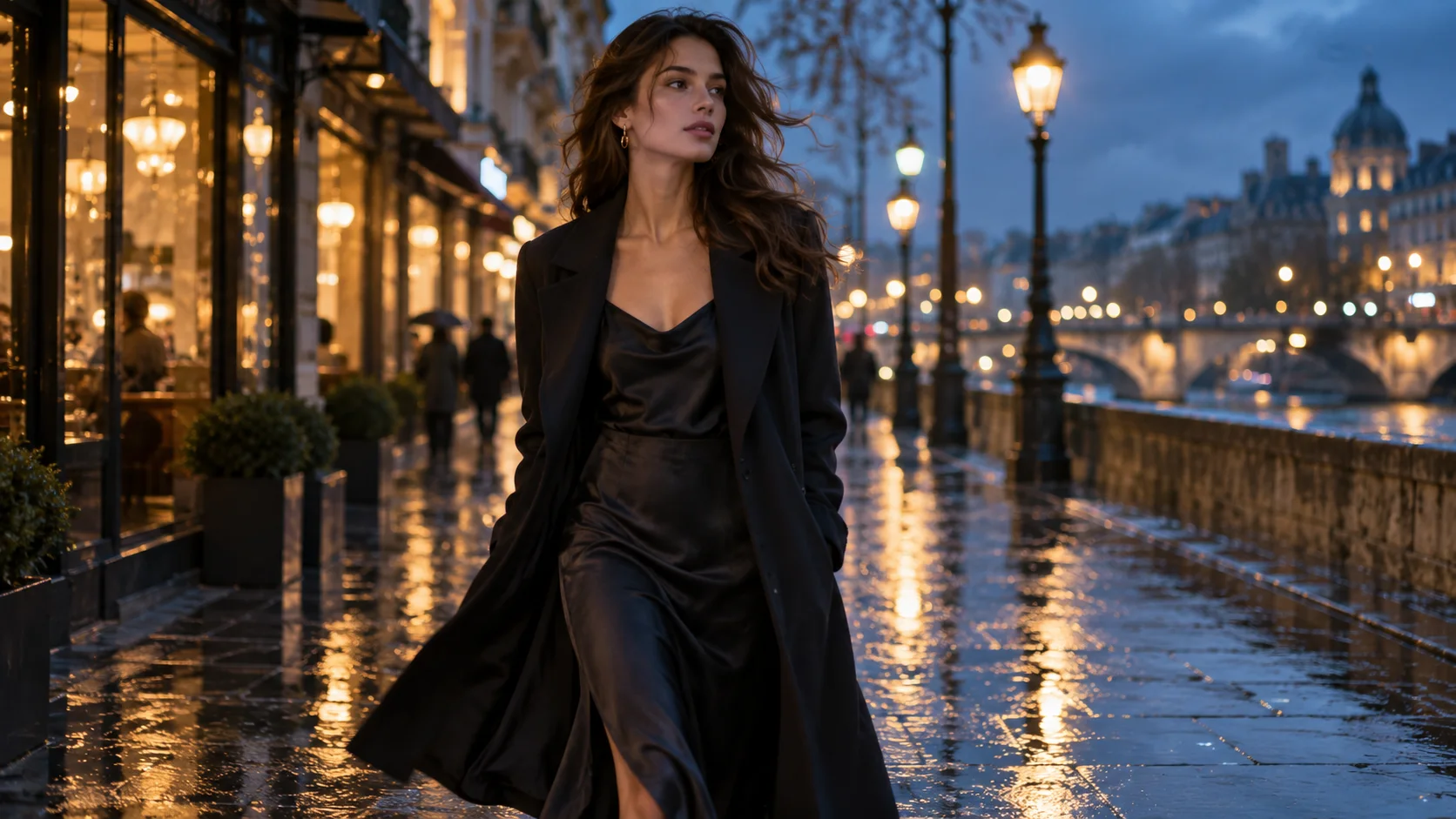
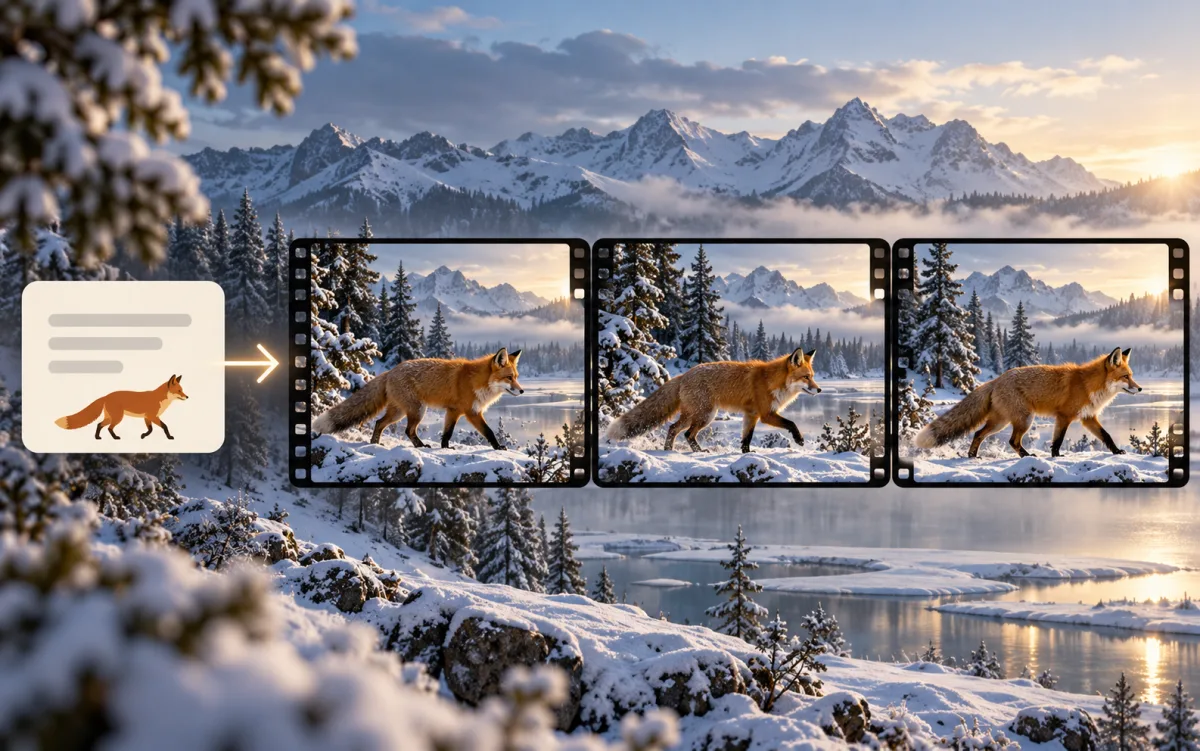
Text to Video
Describe a subject, setting, action, and camera movement to generate a new video scene.
- Start with one clear action and a focused shot brief.
- Guide lighting, atmosphere, and camera direction.
Create AI videos from text and photos, generate original images, and explore editing workflows in Video4. Choose a model, check its supported settings and credit estimate, then generate and refine your result.
Create AI Videos and Images in One Workspace
Start a video scene, animate a reference image, explore image styles, or guide a photo edit. Each workflow connects you to supported models and practical output controls.
Feature 01
Describe a subject, setting, action, and camera movement to generate a new video scene.
Feature 02
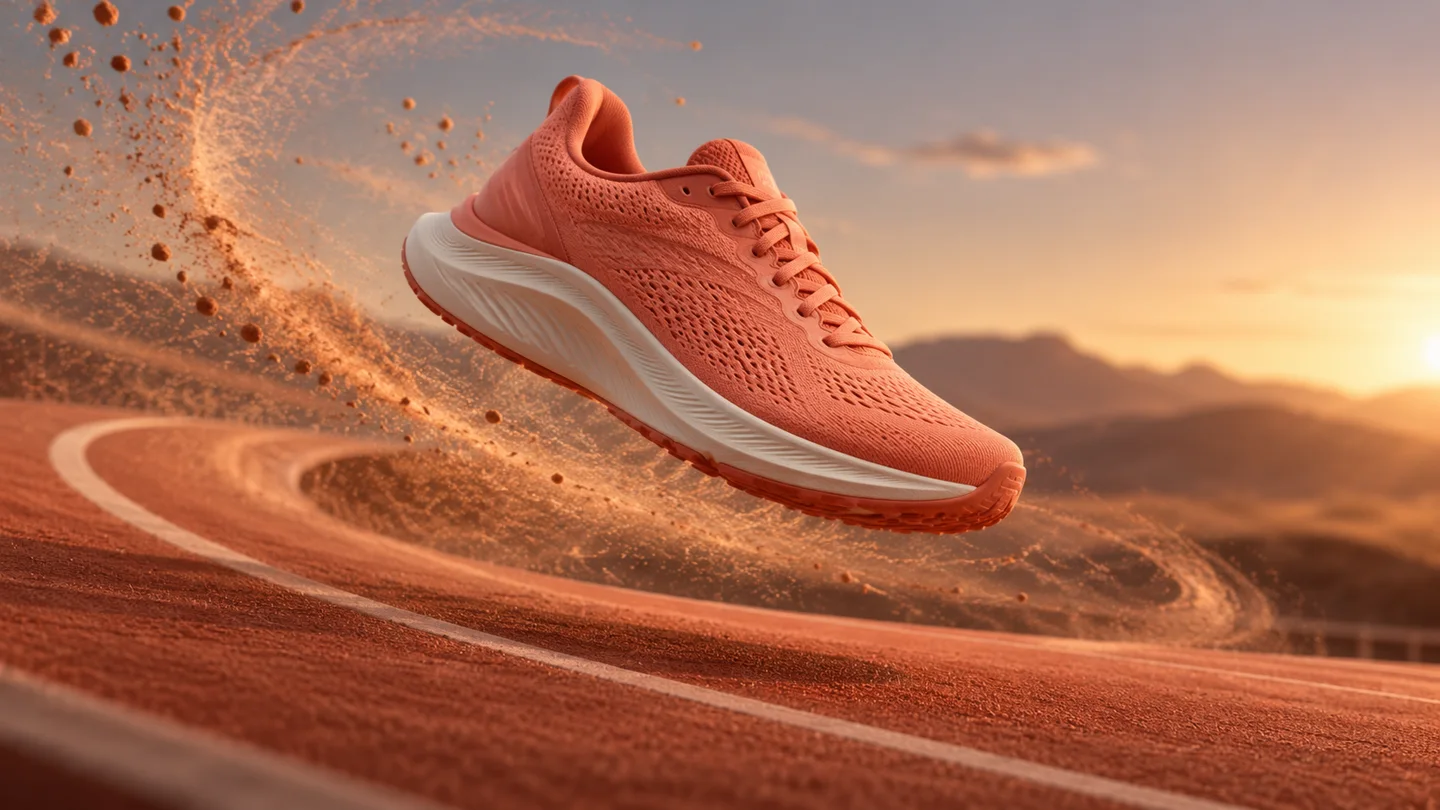
Use a photo as the starting point for a moving scene with a supported video model.

Feature 03
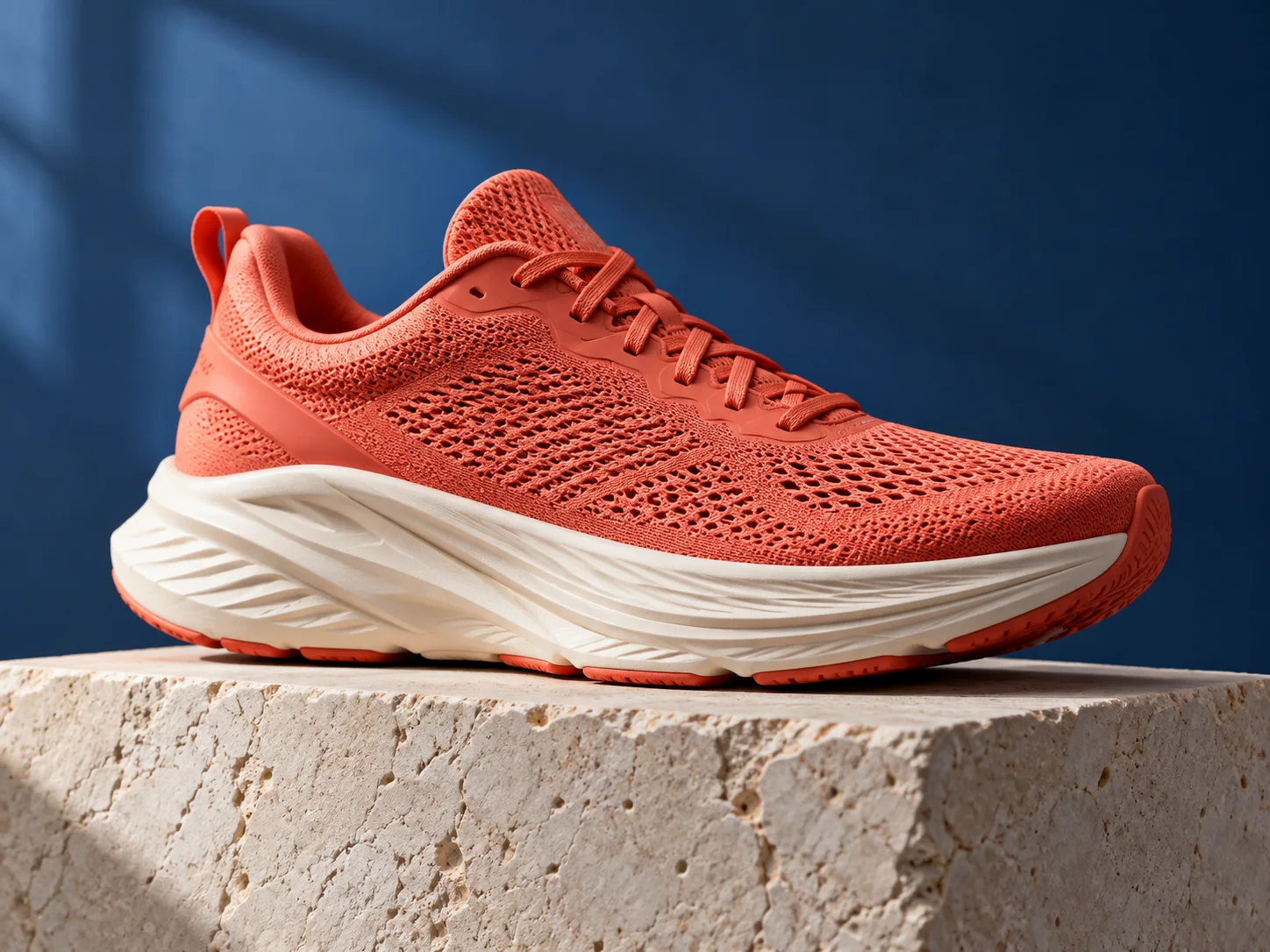
Turn a written brief into product photography, an illustration, or a new visual concept. Explore materials, lighting, and styles with supported image models.

Feature 04
Upload a reference and describe the change you want to explore, from a new background to a revised composition. Generated edits can alter fine details.
Choose image or video, write a focused visual brief, and add supported references. Check model options and credits before generating, then review your result.
Choose image or video and describe the subject, setting, style, and action.
Add a reference when helpful, then choose an available model and format.
Check the credit estimate, submit the brief, and follow its generation status.
Inspect the image or watch the full clip, refine the brief where needed, then download your result.
Compare supported inputs and output settings, then open a model page with its generator ready to use.
Explore focused image and video workflows. Review supported inputs, example briefs, and model settings on each tool page.
Explore editable prompt recipes and visual style examples, then review input requirements before generating.
See why creators choose Video4
Video4 transformed my creative workflow. The text-to-image quality with GPT-Image and FLUX is stunning, allowing me to iterate on client concept art in minutes rather than days.

Sarah Chen
From Amazon listing photos to short-form promotional videos, Video4 gives us studio-grade product visuals without expensive studio rentals. The commercial license gives us complete peace of mind.

David Park
Our viral engagement spiked after using Video4's video effects and motion templates. We can instantly apply trending visual effects to our brand videos and stand out on Instagram Reels.

Maya Patel
The motion interpolation and prompt adherence in Video4 blow older video generation tools out of the water. Adding dynamic fluid motion to vector artwork has never been this effortless.

Alex Tremblay
A/B testing ad variations used to take weeks of copywriting and graphic design. With Video4, we generate 20 targeted creative variations in an afternoon and double our ROAS.

Priya Sharma
Transforming twilight drone photographs into smooth, cinematic fly-through videos using Video4's image-to-video feature has helped our luxury real estate listings sell significantly faster.

Benjamin Hayes
Video4 brought my illustrated characters to life with charming, expressive animations. The ability to preserve visual art styles across images and video clips is truly unmatched.

Olivia Taylor
We produce dozens of UGC-style video ads every week. Video4's image-to-video workflow turns our static product shots into high-converting TikTok and Meta ad creatives seamlessly.

Marcus Rivera
The cinematic b-roll I generate on Video4 elevated my entire channel. Viewers constantly ask how I shoot my visuals — the Wan 3.0 video model creates lighting and motion that looks genuinely shot on an ARRI.

Elena Rodriguez
As a solo filmmaker, Seedance 2.5 on Video4 is a revelation. The temporal coherence in camera movements and character consistency makes AI video generation usable for actual narrative cinema.

Liam O'Connor
Our boutique ad agency relies on Video4 to pitch storyboard animatics to enterprise clients. Turning written pitch decks into moving cinematic scenes wins us deals before production even starts.

Sofia Rossi
Synthesizing surreal, dreamlike visual loops for music videos on Video4 is magical. The 4K upscaling and motion fluidity make every generated sequence look ready for music streaming screens.

Lucas Vance
The fast generation speeds and intuitive interface mean I can jump on breaking trends within hours. The video templates make complex AI animations feel as simple as clicking generate.

Zoe Martinez
Video4 is the single best investment for our digital marketing stack this year. Flexible generation credits, no licensing ambiguities, and continuous model upgrades keep us ahead of competitors.

Carlos Mendez
Generating sprite concepts, environment textures, and character motion clips with Video4 cut our indie game pre-production time in half. Seedance motion physics feel remarkably natural.

Aiko Tanaka
The image-to-image rendering and camera control tools are phenomenal for arch-viz. We feed in basic 3D sketches and get photorealistic daytime and dusk architectural walkthroughs in minutes.

James Wright
Video4 has become our virtual runway studio. Creating consistent AI models in seasonal outfits with realistic fabric textures saves our apparel brand immense photoshoot costs each quarter.

Chloe Dubois
From animated UI icons to immersive fantasy backgrounds, Video4 handles complex visual styling effortlessly. Fast rendering and clear credit tracking keep our team well within budget.

Ethan Brooks
Maintaining consistent characters across different camera angles and lighting setups was always the hardest part of AI video. Video4 solved this problem better than any platform I've tested.

Nina Kowalski
I use Video4 to generate custom video background plates and dynamic lighting references for complex CGI scenes. It blends seamlessly with our professional compositing pipelines.

Daniel Kim
Flexible monthly credits for high-speed AI video and image generation. Choose the perfect tier for creators, marketers, and studios with transparent pricing and full commercial usage.
Pay safely and securely with









Available payment methods are shown at checkout and vary by region, device, and payment provider.
Frequently Asked Questions
Start with a prompt or supported reference image. Choose a model, check its settings and credit estimate, then create your next draft.