AI Video Background Remover

Explore AI video background remover concepts in Video4. Use a subject image and describe a new setting, then review the generated backdrop and subject details.

(Up to 30 refs)
0

AI Video Background Remover features

AI Video Background Remover: inputs and creative direction

The active provider determines which input modes and settings are available for the shot.

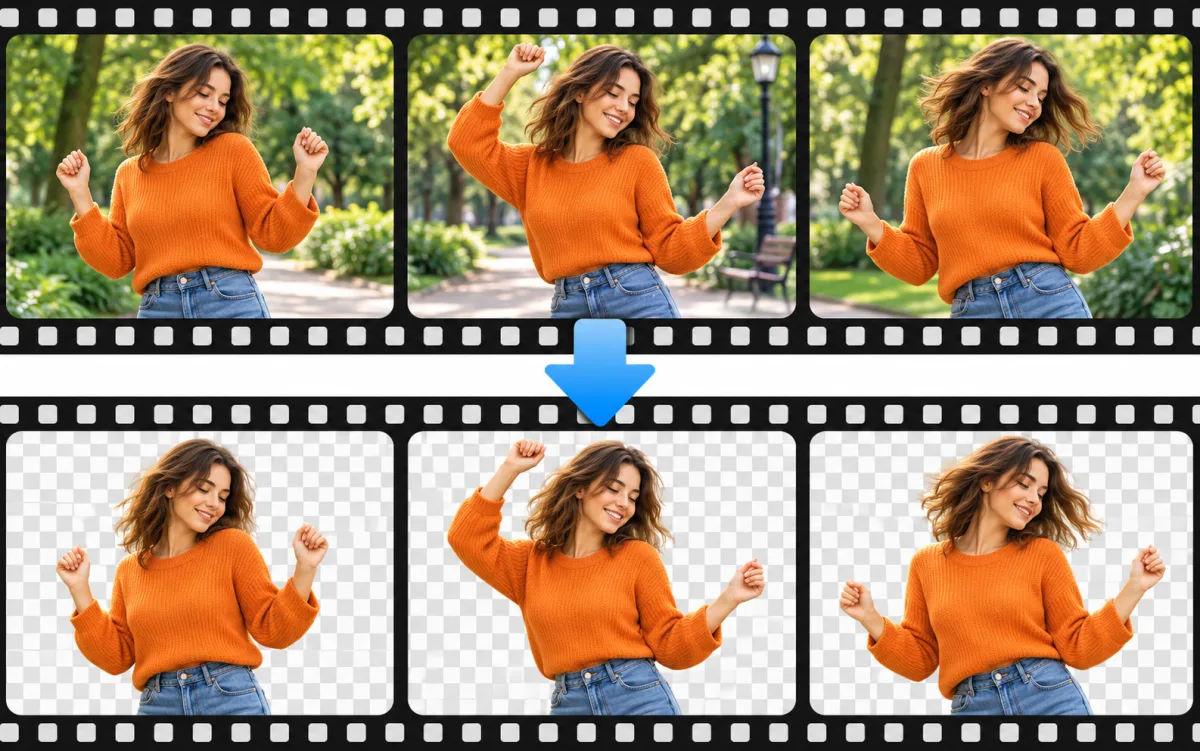
Dancer filmstrip in a park beside an isolated video background-removal concept
Original illustrative concept visual generated for the AI Video Background Remover page; it is not a generated video or verified model output.

Starting point

Select a subject image

Upload a clear image where the subject is easy to distinguish. The workspace uses still references rather than processing an existing video background.

  • Generating subject-led scenes with a different background from image references.
  • A plain scene clarifies the intended background replacement, while the generated clip still needs review for subject and edge changes.
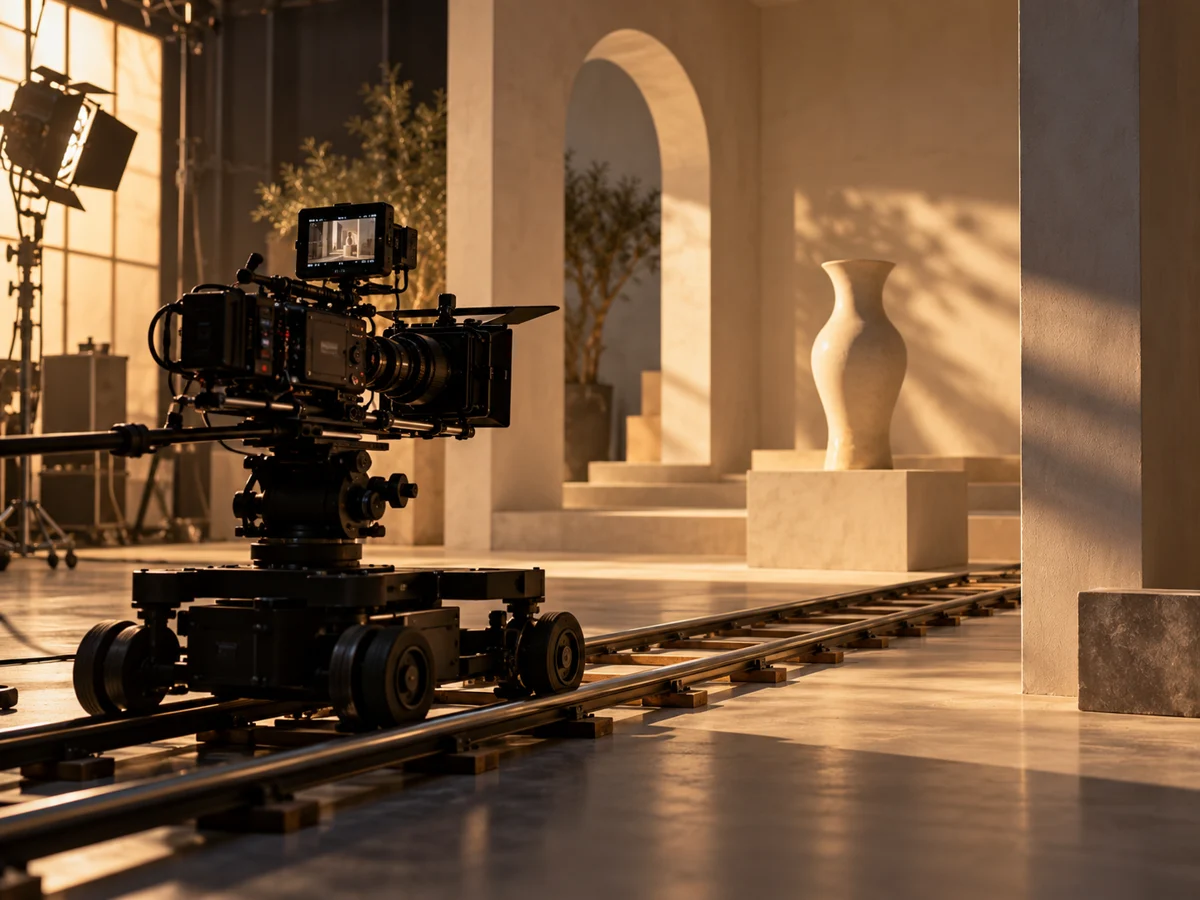
A camera dolly set up for a controlled cinematic tracking shot
Original illustrative concept visual generated for the AI Video Background Remover page; it is not a generated video or verified model output.

Shot brief

Plain studio background concept

A plain scene clarifies the intended background replacement, while the generated clip still needs review for subject and edge changes.


  • Name the subject, action and camera view before adding finer scene details.
  • Use one principal action and a camera direction to keep the shot easy to review.
Landscape, square and portrait compositions for different placements
Original illustrative concept visual generated for the AI Video Background Remover page; it is not a generated video or verified model output.

Output settings

Check the active model controls

Choose a model and provider that support this image input mode. Duration, aspect ratio, resolution, and audio options are limited to the values shown in the generator.

  • Review edges, hands, hair, clothing, and shadows in the new clip. Use a dedicated compositor for exact rotoscoping, alpha export, or timeline-based background removal.
  • Review the active options and credit estimate before submitting.
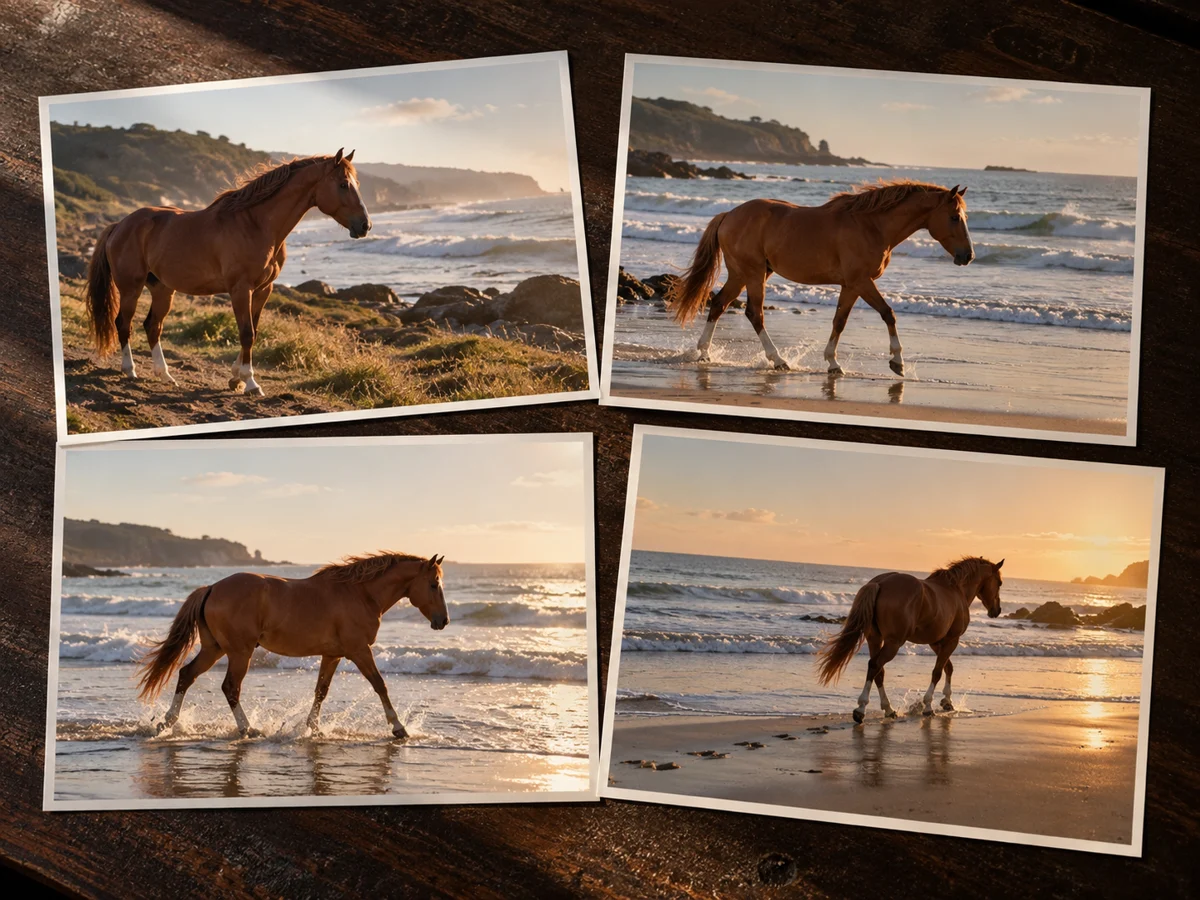
Consecutive storyboard frames of a horse moving along a coastline
Original illustrative concept visual generated for the AI Video Background Remover page; it is not a generated video or verified model output.

Quality check

Review the complete clip

Generated motion can change framing or fine details. Review the entire clip against the shot brief before using it.

  • Check motion, framing, subject details, readable text, and audio when enabled.
  • Compare the result with the plain studio background concept brief before using it in finished work.

From input to reviewed clip

How to use AI Video Background Remover in video4

Use the plain studio background concept as a planning reference, then confirm that the selected provider supports your input mode.

  1. 01

    Select a subject image

    Upload a clear image where the subject is easy to distinguish. The workspace uses still references rather than processing an existing video background.

  2. 02

    Describe the replacement setting

    Name the background color or environment and the lighting you want. Include a simple action and identify the subject details that should remain recognizable.

  3. 03

    Inspect the background and subject

    Review edges, hands, hair, clothing, and shadows in the new clip. Use a dedicated compositor for exact rotoscoping, alpha export, or timeline-based background removal.

  4. 04

    Review and refine the clip

    Generated motion can change framing or fine details. Review the entire clip against the shot brief before using it.

Multi-Model Studio

Featured AI Models

Compare supported inputs and output settings, then open a model page with its generator ready to use.

Browse all models →
Task-Oriented Tools

Popular AI Tools

Explore focused image and video workflows. Review supported inputs, example briefs, and model settings on each tool page.

View all tools →
Creative Templates

Trending Video Effects

Explore editable prompt recipes and visual style examples, then review input requirements before generating.

Browse all effects →

Hotel Lobby

HOT

70s retro hotel lounge performance with suspended vintage mic.

Try effect →

Storm Dance

POPULAR

Dramatic choreography under gathering thunderclouds and rain.

Try effect →

Gas Station Dance

HOT

Midnight street dance under glowing neon gas station lights.

Try effect →

Car Jump

HOT

High-octane parkour jump over a cinematic sports car.

Try effect →

Video4 Plans & Pricing

Flexible monthly credits for high-speed AI video and image generation. Choose the perfect tier for creators, marketers, and studios with transparent pricing and full commercial usage.

Save 30%+

Basic

Start exploring AI images and videos

$29$19/month
$348$228 billed yearly54,000 credits/year

Auto-renews · Cancel anytime


Includes

  • Up to 47 videos/month
  • Up to 225 images/month
  • Access to all models
  • Watermark-free outputs
  • Files saved for 90 days
  • Standard support
  • Commercial use license included
How generation estimates work

Estimates use all monthly credits for either 5-second Seedance 2.0 Mini videos at 480p (95 credits each) or Nano Banana images at 1K (20 credits each). These are alternative budgets, not combined allowances. Other models, settings, and reference inputs use different credits. Annual plans receive their full annual credits upfront; monthly estimates show one twelfth of that allowance.

Most Popular
Save 40%+

Pro

For regular visual projects and campaigns

$49$29/month
$588$348 billed yearly114,000 credits/year

Auto-renews · Cancel anytime


Includes

  • Up to 100 videos/month
  • Up to 475 images/month
  • Access to all models
  • Watermark-free outputs
  • Files saved for 180 days
  • Faster generation speed
  • Priority support
  • Commercial use license included
How generation estimates work

Estimates use all monthly credits for either 5-second Seedance 2.0 Mini videos at 480p (95 credits each) or Nano Banana images at 1K (20 credits each). These are alternative budgets, not combined allowances. Other models, settings, and reference inputs use different credits. Annual plans receive their full annual credits upfront; monthly estimates show one twelfth of that allowance.

Best Value
Save 50%

Max

For frequent generation and larger projects

$99$49/month
$1,188$588 billed yearly240,000 credits/year

Auto-renews · Cancel anytime


Includes

  • Up to 210 videos/month
  • Up to 1,000 images/month
  • Access to all models
  • Watermark-free outputs
  • Files saved for 360 days
  • Faster generation speed
  • Priority support
  • Commercial use license included
How generation estimates work

Estimates use all monthly credits for either 5-second Seedance 2.0 Mini videos at 480p (95 credits each) or Nano Banana images at 1K (20 credits each). These are alternative budgets, not combined allowances. Other models, settings, and reference inputs use different credits. Annual plans receive their full annual credits upfront; monthly estimates show one twelfth of that allowance.

Pay safely and securely with

  • Visa
  • Mastercard
  • Link
  • Apple Pay
  • Google Pay
  • American Express
  • Discover
  • JCB
  • Diners Club

Available payment methods are shown at checkout and vary by region, device, and payment provider.

See why creators choose Video4

Loved by creators

Video4 transformed my creative workflow. The text-to-image quality with GPT-Image and FLUX is stunning, allowing me to iterate on client concept art in minutes rather than days.

Sarah Chen

Sarah Chen

From Amazon listing photos to short-form promotional videos, Video4 gives us studio-grade product visuals without expensive studio rentals. The commercial license gives us complete peace of mind.

David Park

David Park

Our viral engagement spiked after using Video4's video effects and motion templates. We can instantly apply trending visual effects to our brand videos and stand out on Instagram Reels.

Maya Patel

Maya Patel

The motion interpolation and prompt adherence in Video4 blow older video generation tools out of the water. Adding dynamic fluid motion to vector artwork has never been this effortless.

Alex Tremblay

Alex Tremblay

A/B testing ad variations used to take weeks of copywriting and graphic design. With Video4, we generate 20 targeted creative variations in an afternoon and double our ROAS.

Priya Sharma

Priya Sharma

Transforming twilight drone photographs into smooth, cinematic fly-through videos using Video4's image-to-video feature has helped our luxury real estate listings sell significantly faster.

Benjamin Hayes

Benjamin Hayes

Video4 brought my illustrated characters to life with charming, expressive animations. The ability to preserve visual art styles across images and video clips is truly unmatched.

Olivia Taylor

Olivia Taylor

Common questions

AI Video Background Remover FAQ

Explore AI Video Background Remover in video4

A plain scene clarifies the intended background replacement, while the generated clip still needs review for subject and edge changes. Choose a supported input mode, review the current controls and credit estimate, then create a draft in the video workspace.